The latest Release of Sync Made Easy has some new enhancements in lead generation capabilities along with some major bug fixes in Draft order and Opportunities, aimed at keeping the platform’s performance optimum and seamless.
Here is what has been rolled out in the new version!
New Version: What's In There
| Version | Software | User | Impact |
1.317 | Shopify Made Easy | Shopify Store Owners | Enable Draft Order // Enable Opportunity for SDO Lead Generation sync |
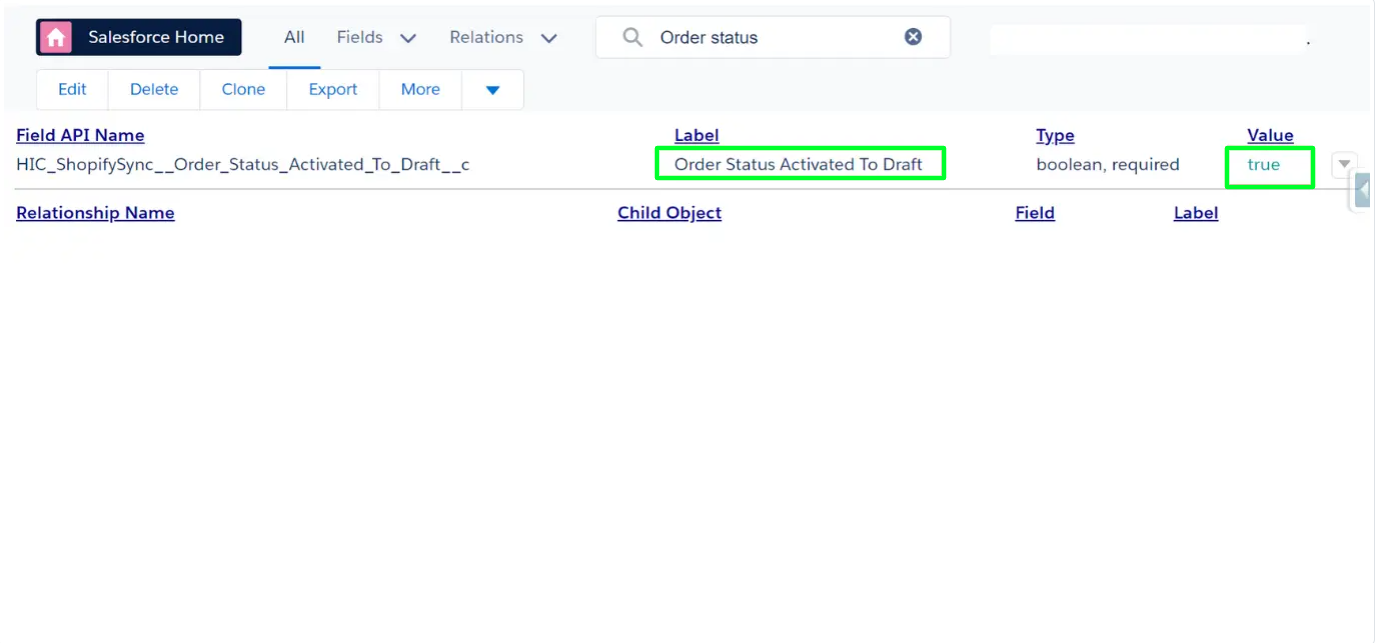
New Checkboxes To Enable Draft Order And Opportunity For SDO
- Ever wished creating a Draft Order in Shopify could simultaneously create a Salesforce Opportunity? Now it does!
- The new “Value” checkbox introduced in the Salesforce Configuration page empowers you to enable or disable this feature by setting the value as “True” or “False”. It’s your workflow, your way.
Opportunity Line Item In Opportunity Of Draft Order
Creating a Draft Order in Salesforce not only generates an opportunity but also includes an opportunity line item.
Now, managing your opportunities is more comprehensive and organized.
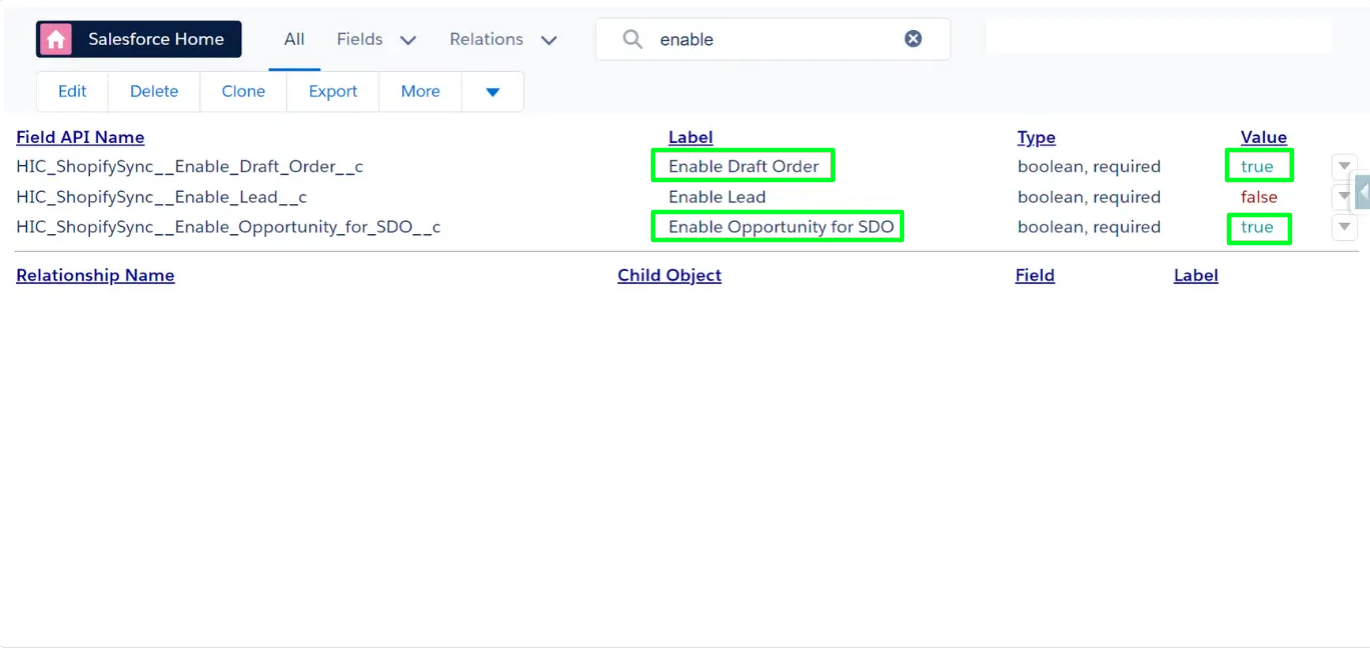
Enable Lead For Lead Generation
v1.317 Introduces the "Enable Lead" checkbox in Configuration.
- When marked True, creating a customer in Shopify instantly generates a lead in Salesforce, bypassing the account creation step.
- If marked False, your Shopify customer becomes a Salesforce account, maintaining flexibility based on your preference.
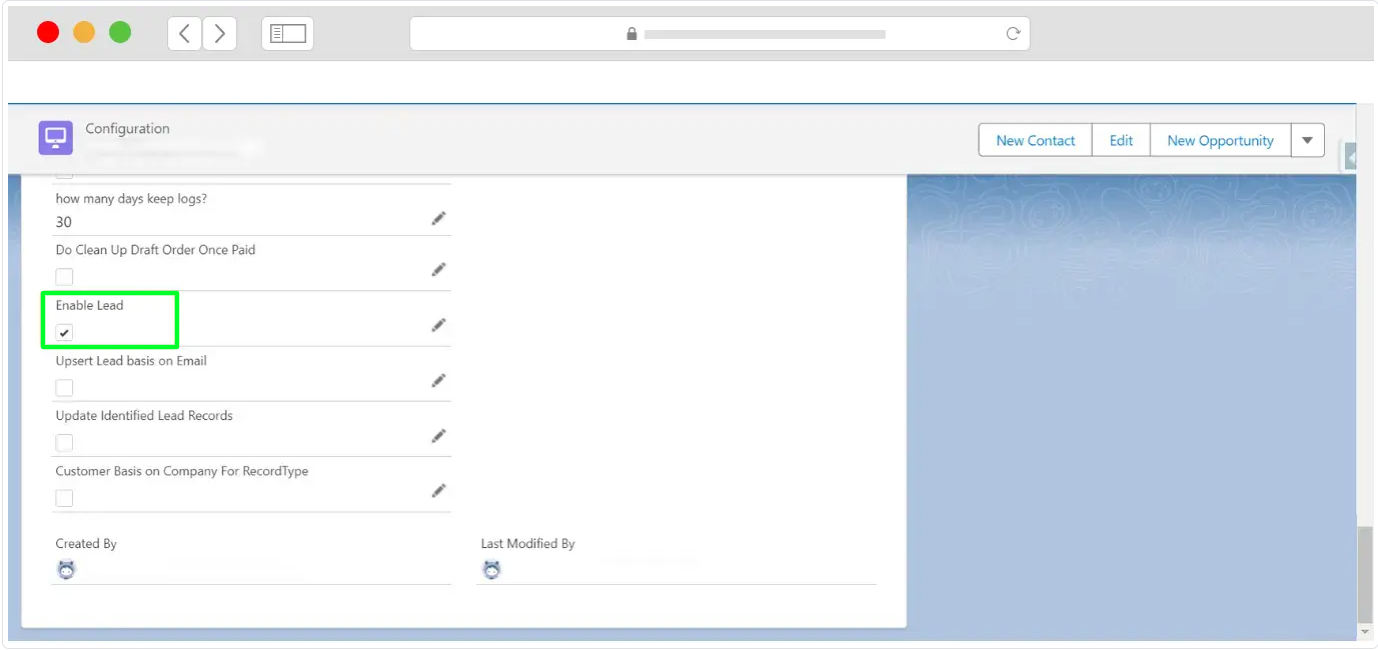
Lead On Default Address
When creating a new customer in Shopify, a lead is simultaneously generated in Salesforce with the customer’s first and last name as the name and the company name as the company.
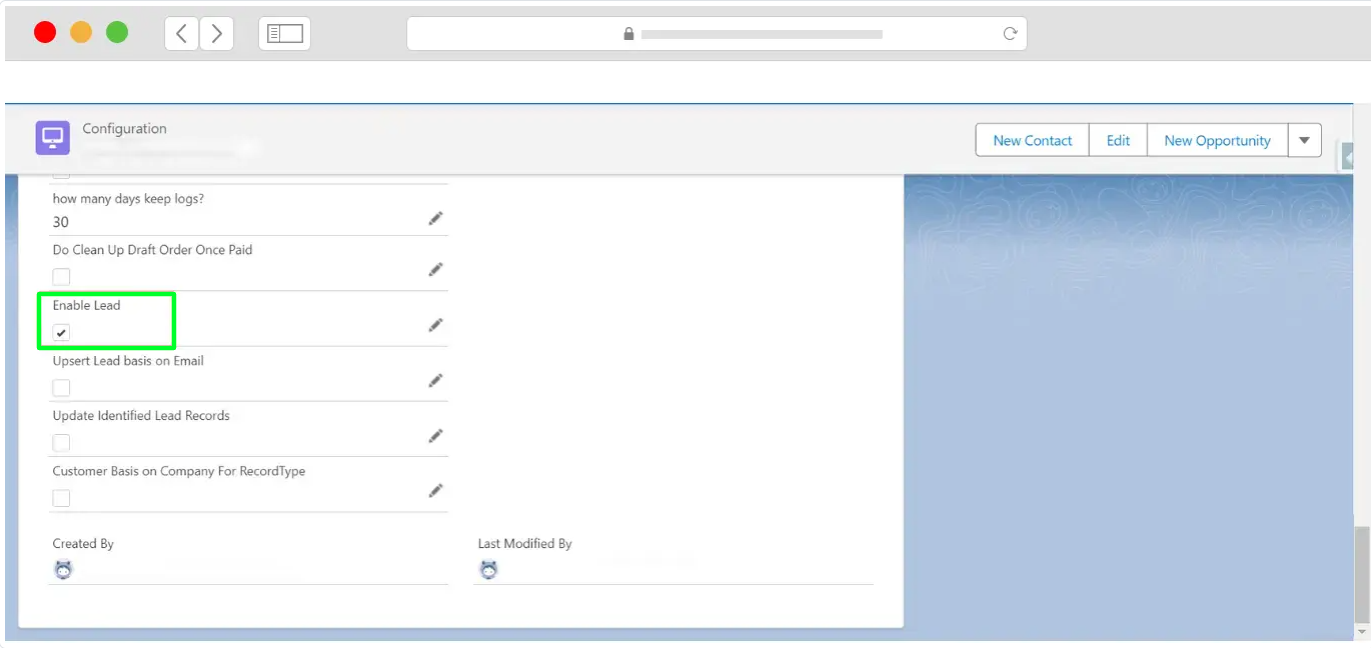
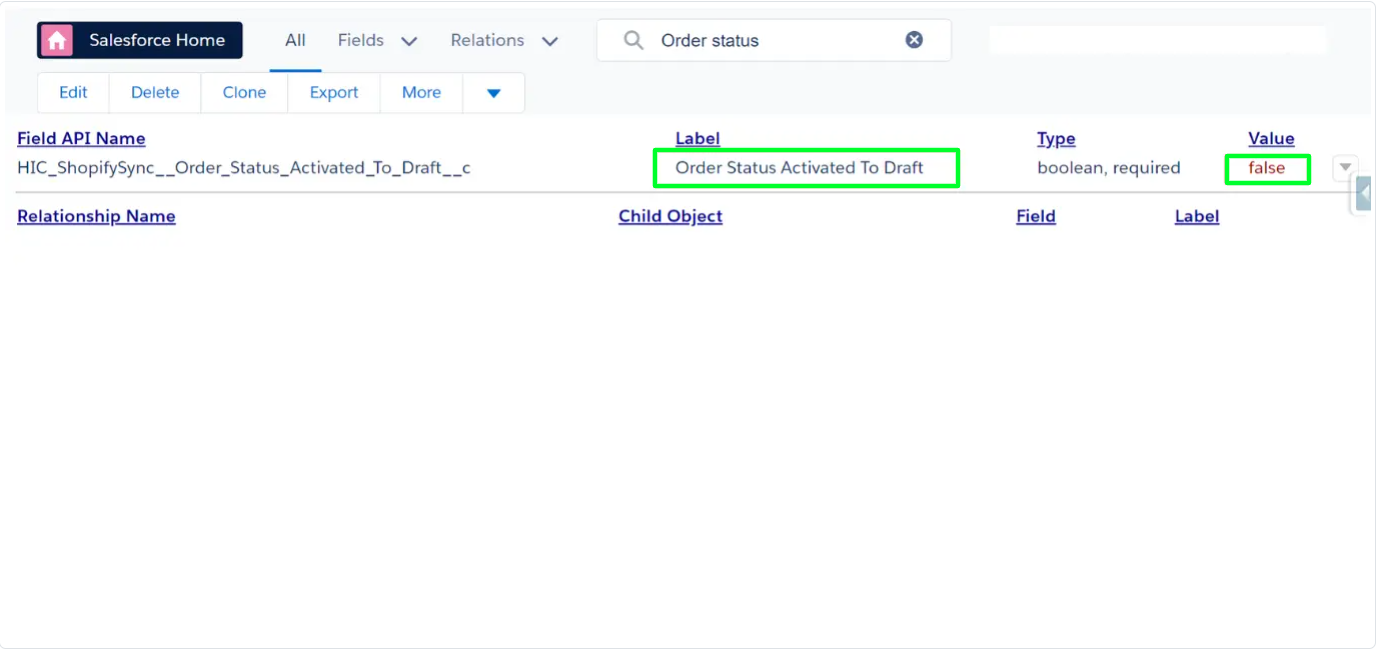
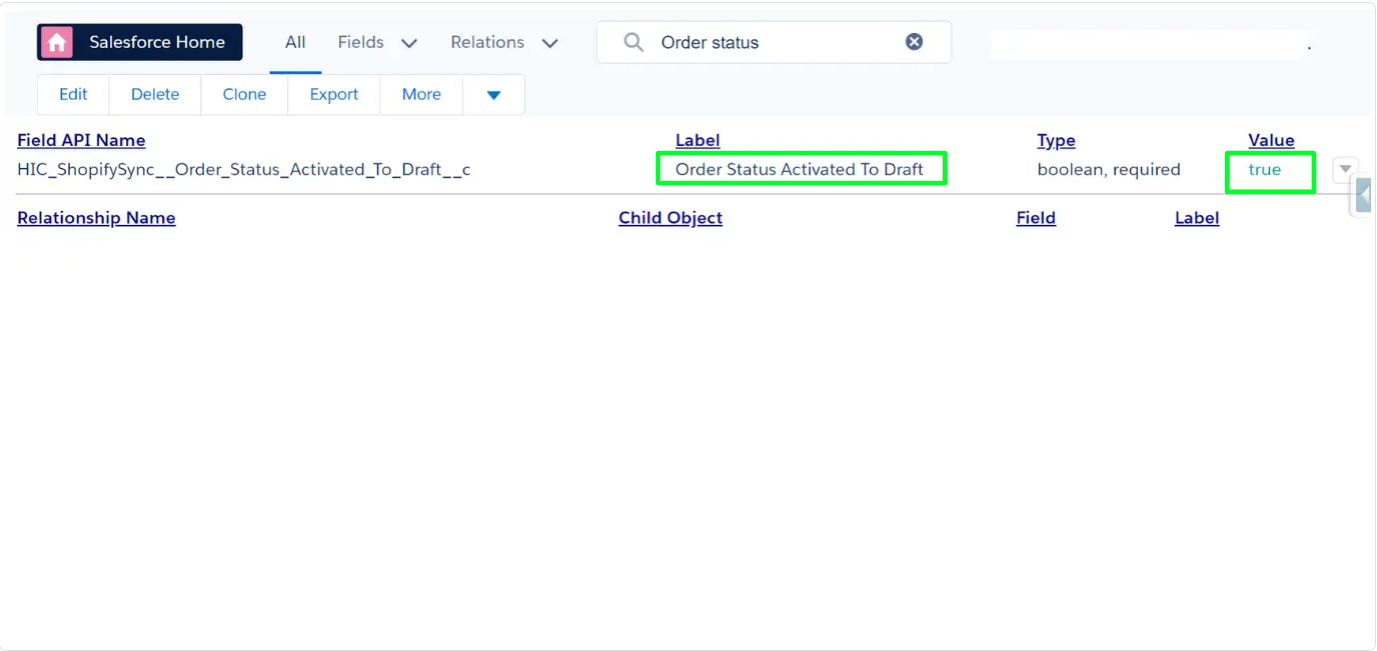
Order Status Activated To Draft- Based On Checkbox
Take control of order statuses with the “Order Status Activated to Draft” checkbox. When True, Paid Orders in Shopify elegantly reflect as Draft in Salesforce. Toggle it to False, and they seamlessly appear as Activated, offering a tailored approach to your order management.
Order Without Customer
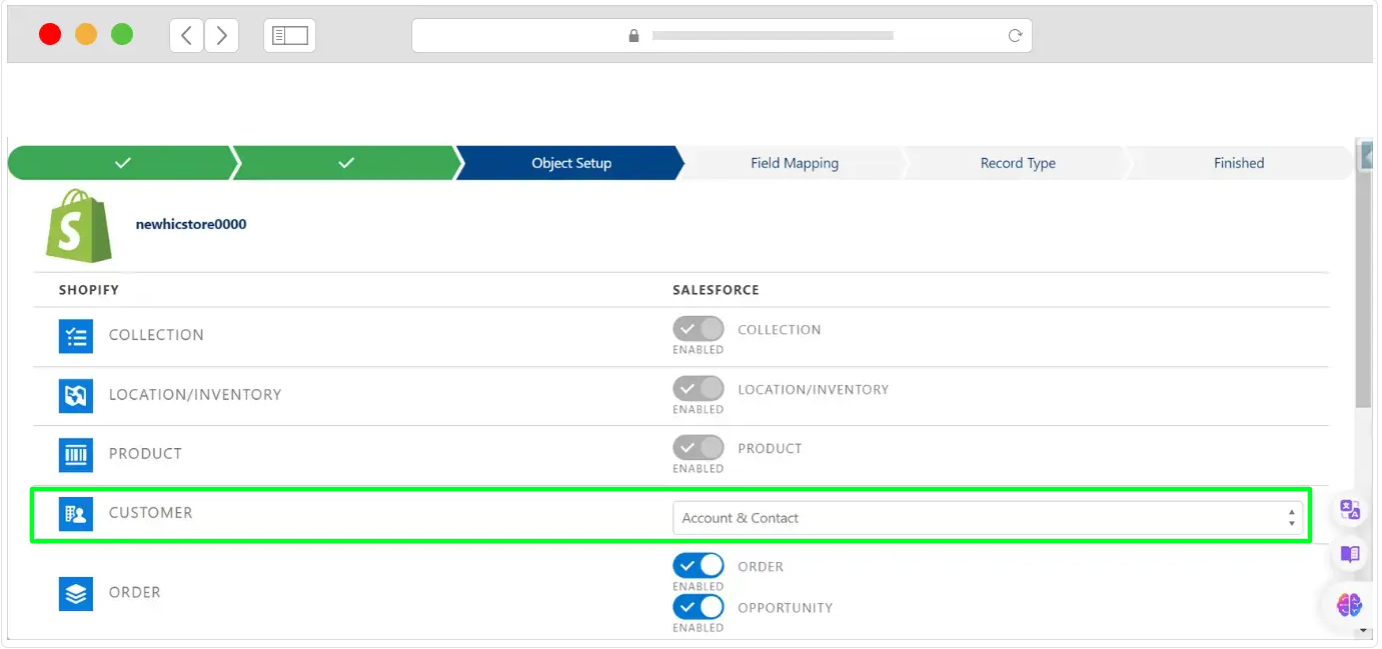
When creating an Order or Draft Order without a customer in Shopify then in salesforce Order is created in REQ Account where the Account Shopify ID will show as (Business Missing Account or Person Missing Account ) as per the selected Account type in the bject setup step.
Was this article helpful?
That’s Great!
Thank you for your feedback
Sorry! We couldn't be helpful
Thank you for your feedback
Feedback sent
We appreciate your effort and will try to fix the article