Shopify to Salesforce Setup in Just 5 Minutes
Get started with Sync Made Easy in just a few simple steps:
Step 1: Install & Configure the App
Follow the user guide to deploy the app in your Salesforce org.
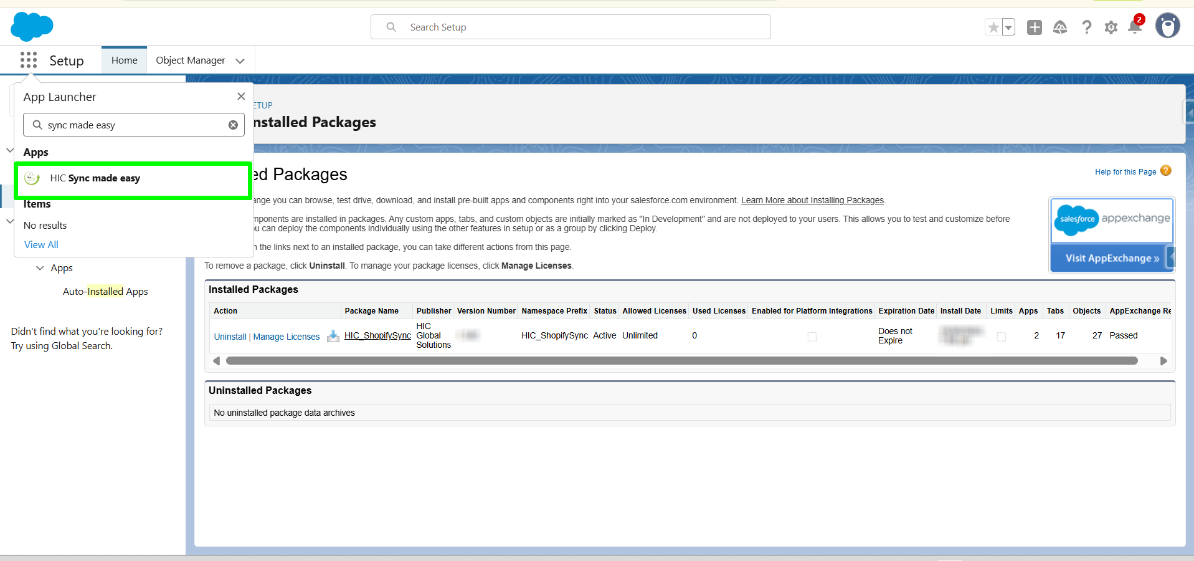
Step 2: Launch “Sync Made Easy”
Open the app via the Salesforce App Launcher.
Step 3: Connect Your Shopify Store
Go to the Shopify Credentials tab
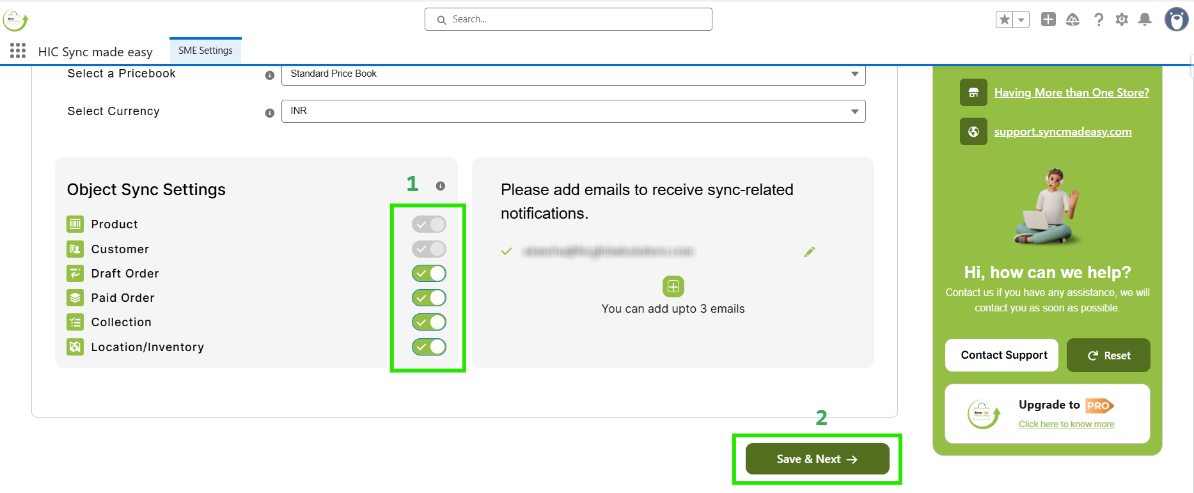
Step 4: Enable Real-Time Sync
Scroll down and locate Real-Time Sync Section, and enable the toggle button for the desired Object (e.g., Order). Click on "Save & Next"
Step 5: Test and Validate
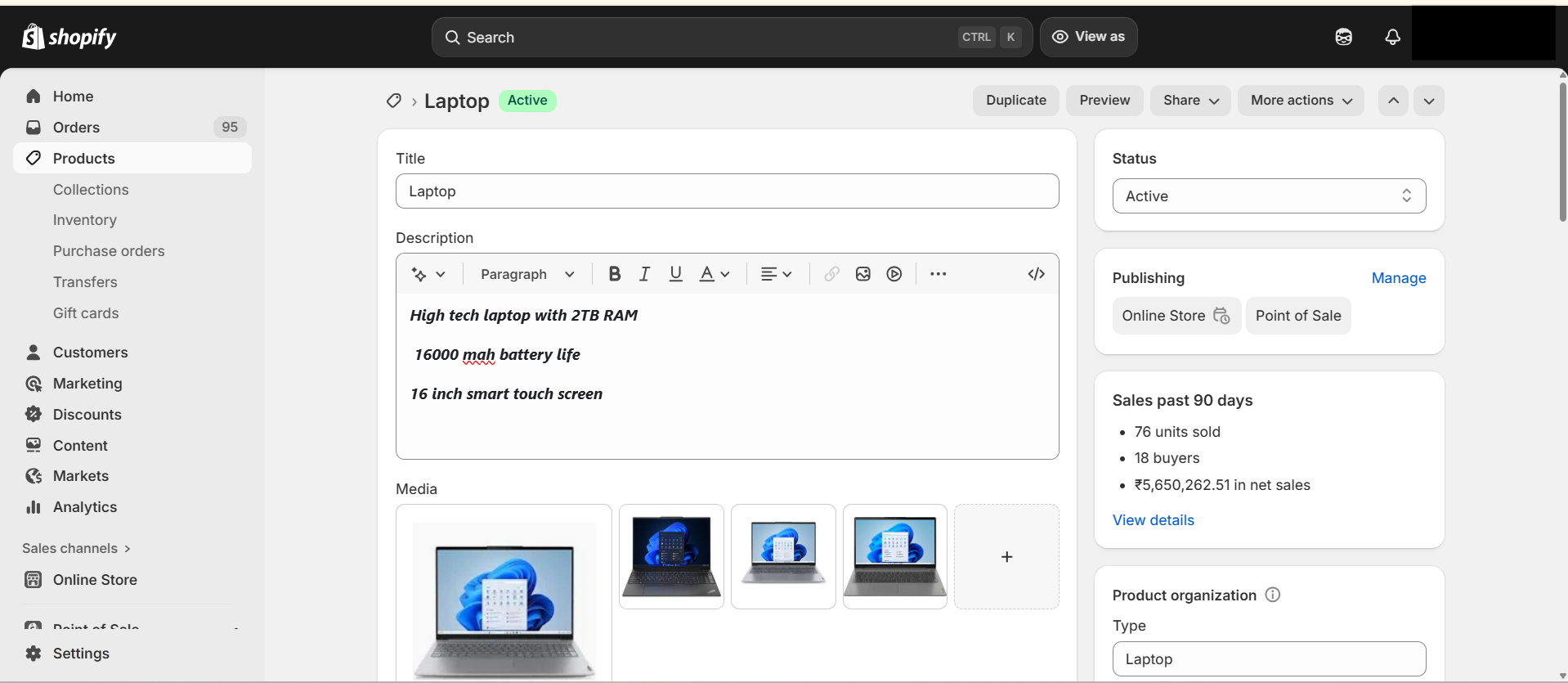
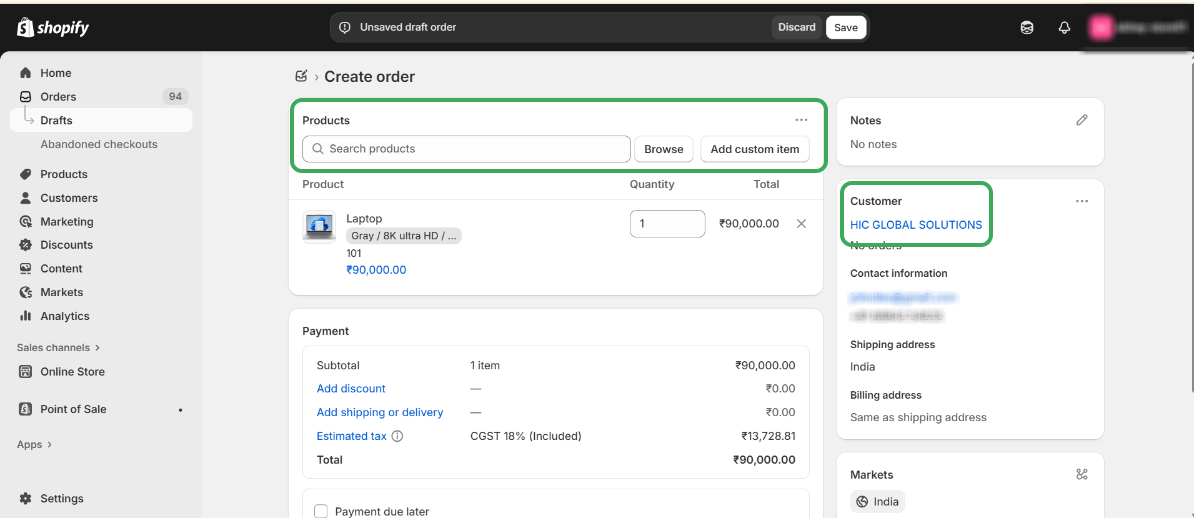
In your Shopify admin, create a product and place an order. Log in to the Shopify store.
- Creating a product in Shopify
- Placing an order
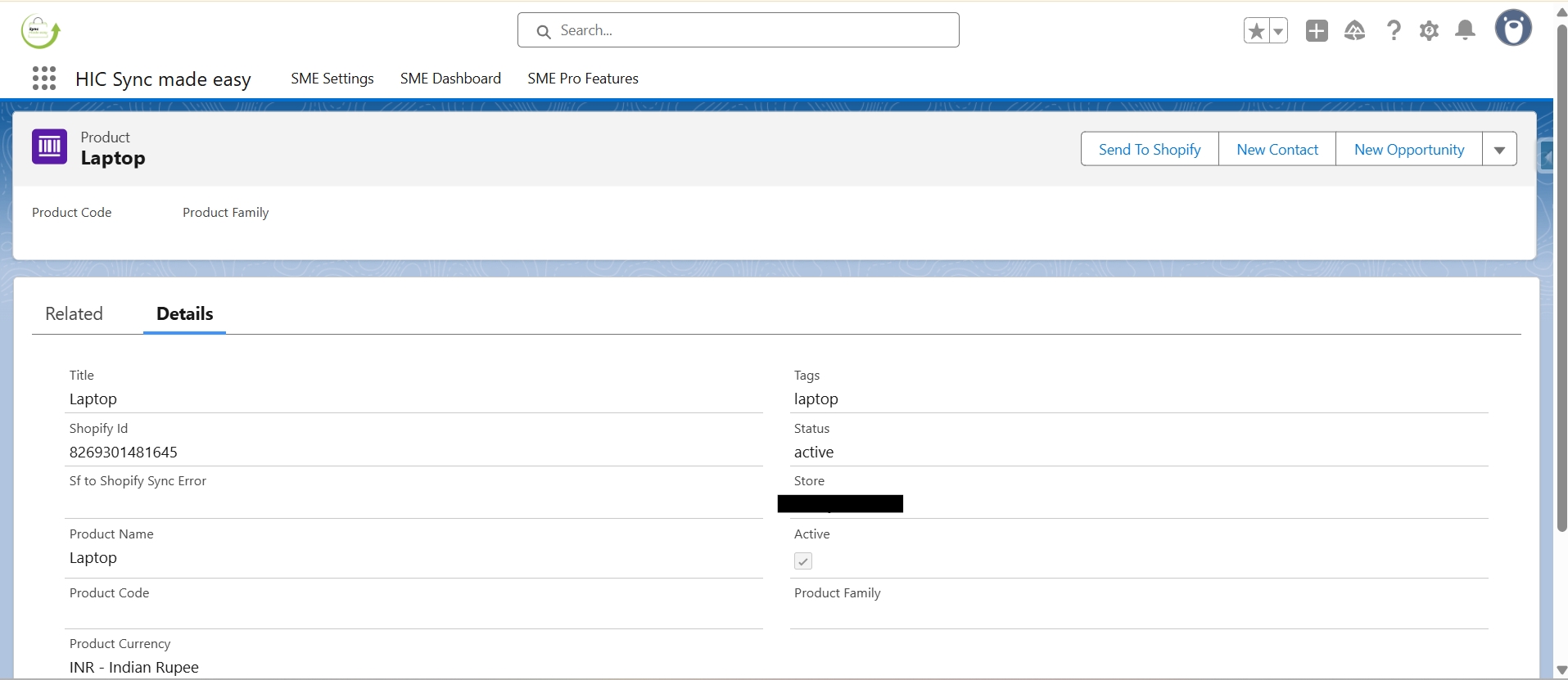
- Viewing synced order and product in Salesforce

Thanks!
Was this article helpful?
That’s Great!
Thank you for your feedback
Sorry! We couldn't be helpful
Thank you for your feedback
Feedback sent
We appreciate your effort and will try to fix the article
