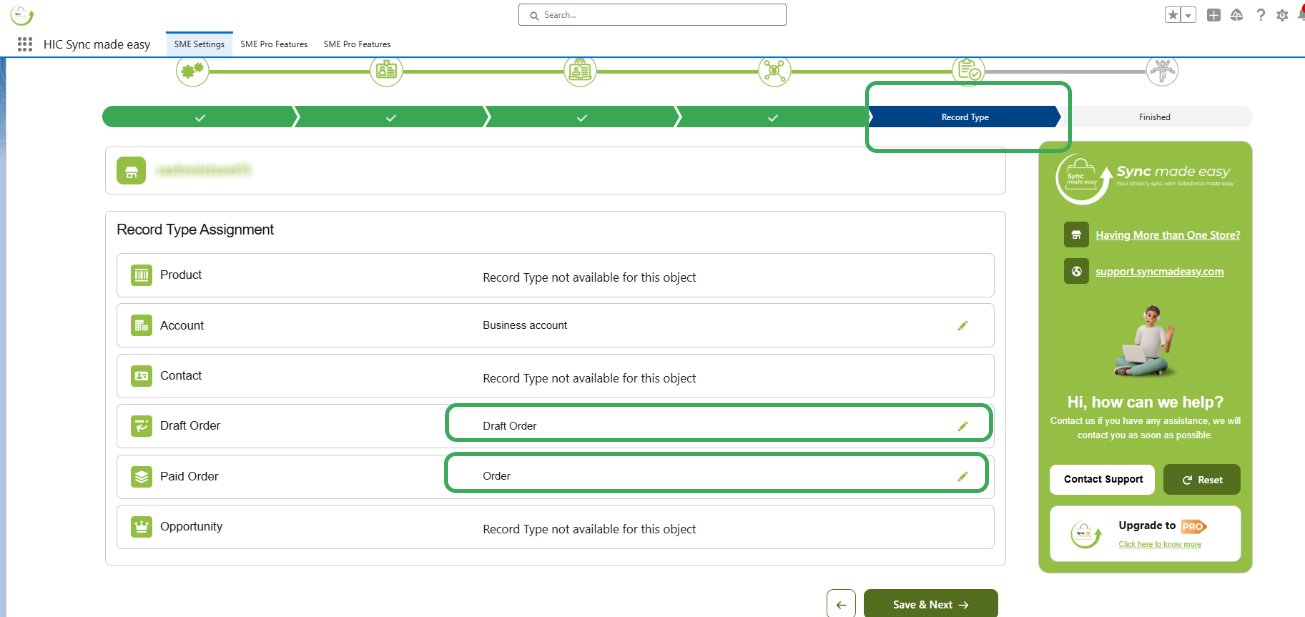
Please choose a different Record Type for Order and Draft Order by following the steps below:
Step 1: Navigate to Step 5 (Record Type) on the configuration page of the Sync Made Easy app. Ensure you have selected a different Salesforce Record Type for "Draft Order" and "Paid Order" from the dropdown menus.
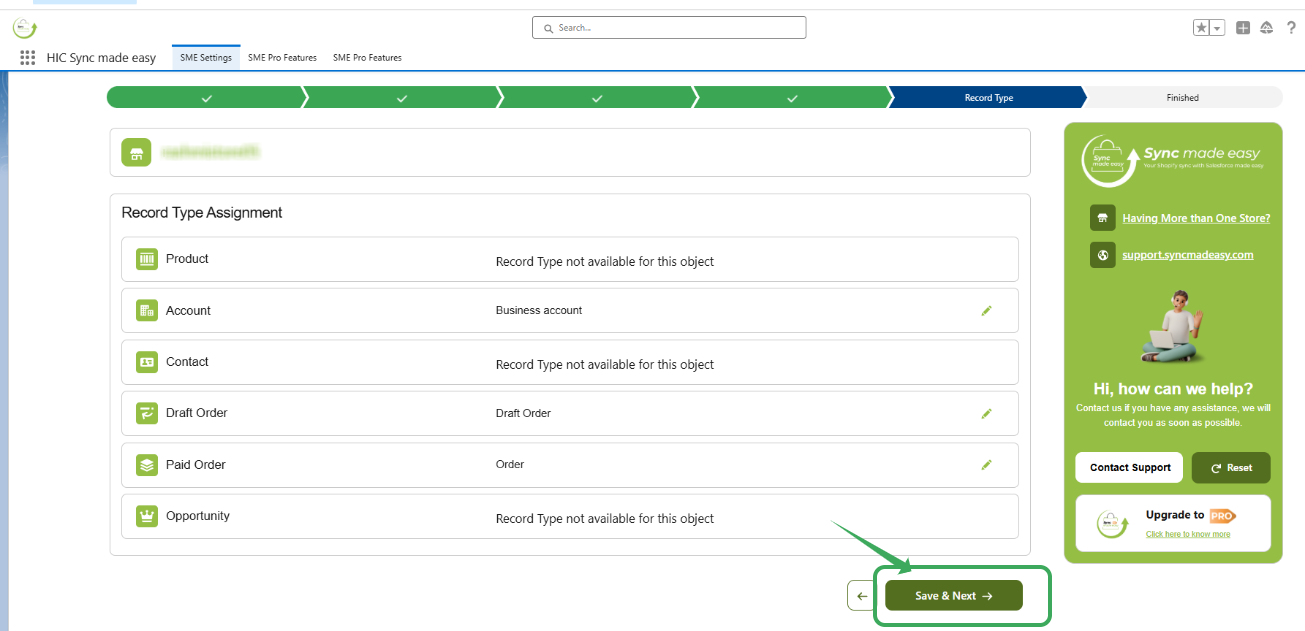
Step 2: Click Save & Next to apply the changes. This ensures Shopify Drafts and Completed Orders are categorized correctly in Salesforce.
Thanks!
Was this article helpful?
That’s Great!
Thank you for your feedback
Sorry! We couldn't be helpful
Thank you for your feedback
Feedback sent
We appreciate your effort and will try to fix the article