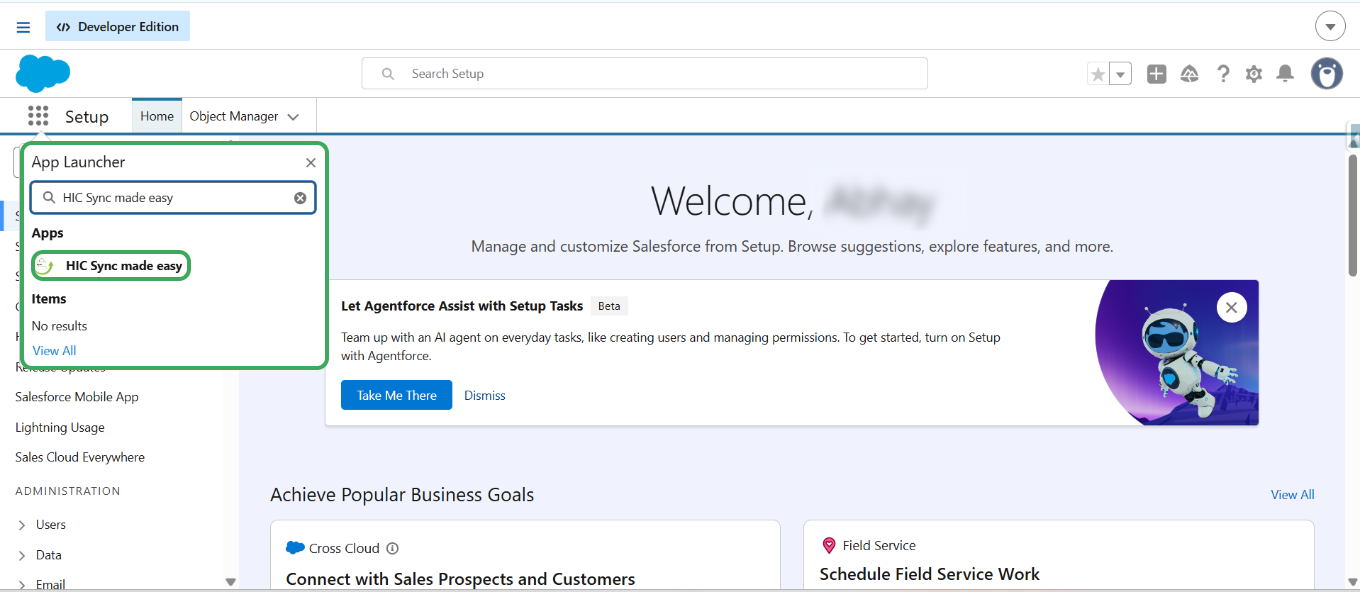
Step 1: Log in to your Salesforce & in App Launcher search for "HIC Sync made easy" and click on it.
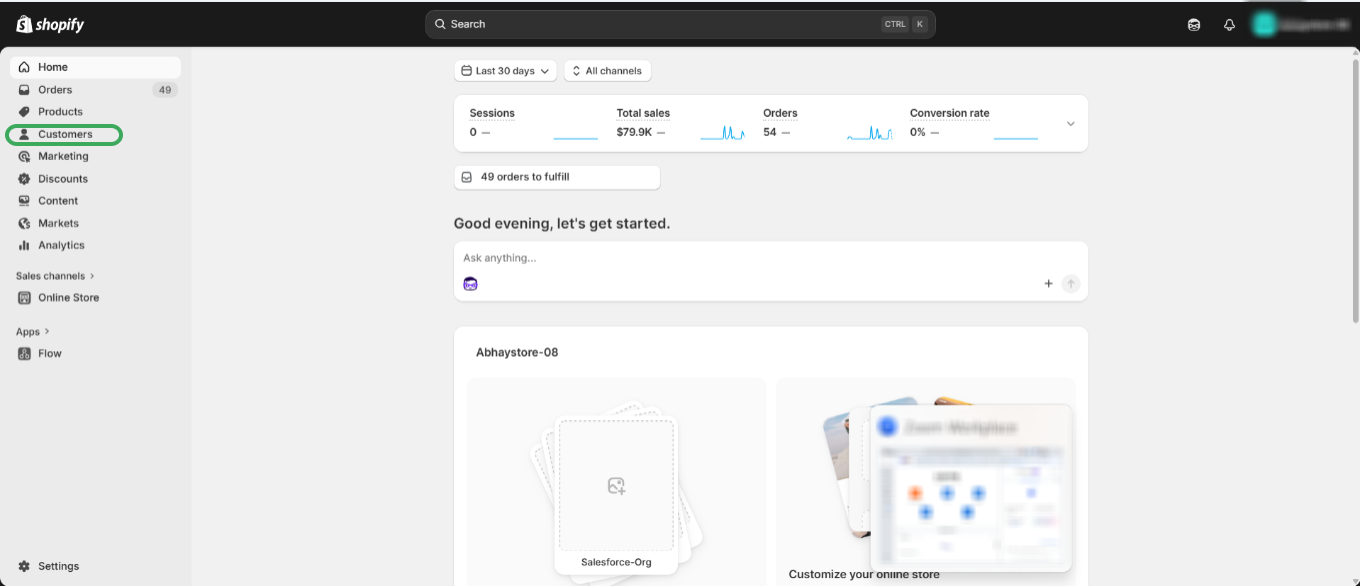
Step 2: Go on to your Shopify store and create new Customer.
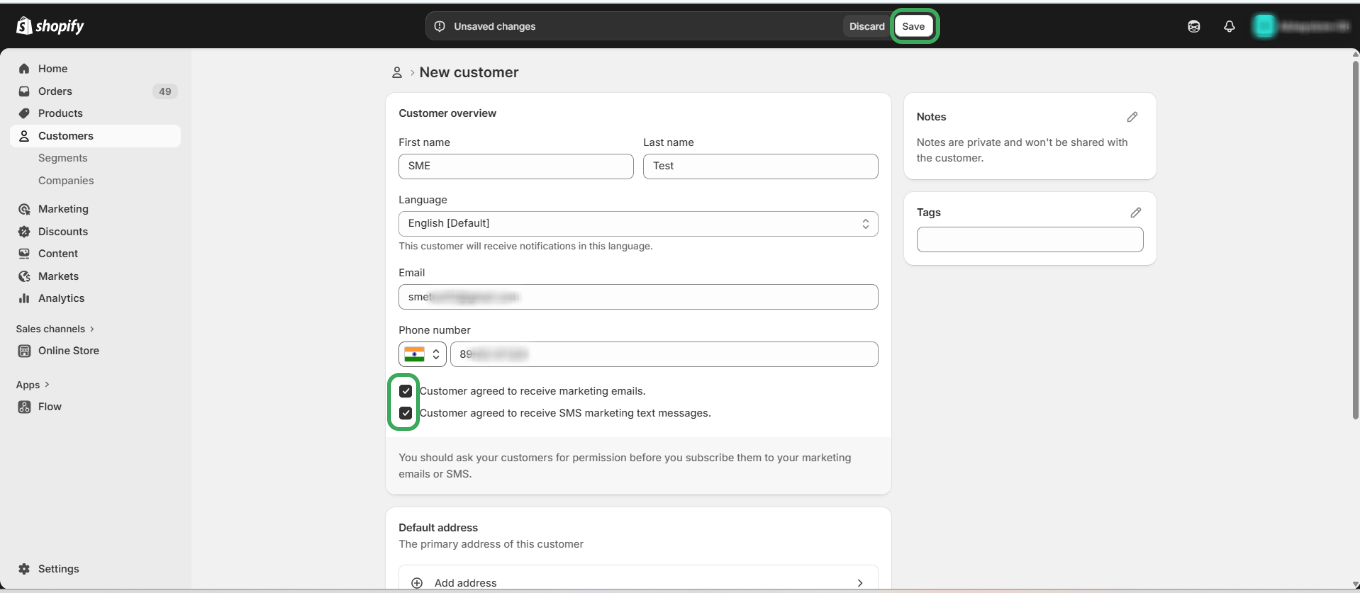
Step 3: Enter all required customer details, including email and phone number, then select the checkboxes to opt in for marketing emails and messages and then click on Save.
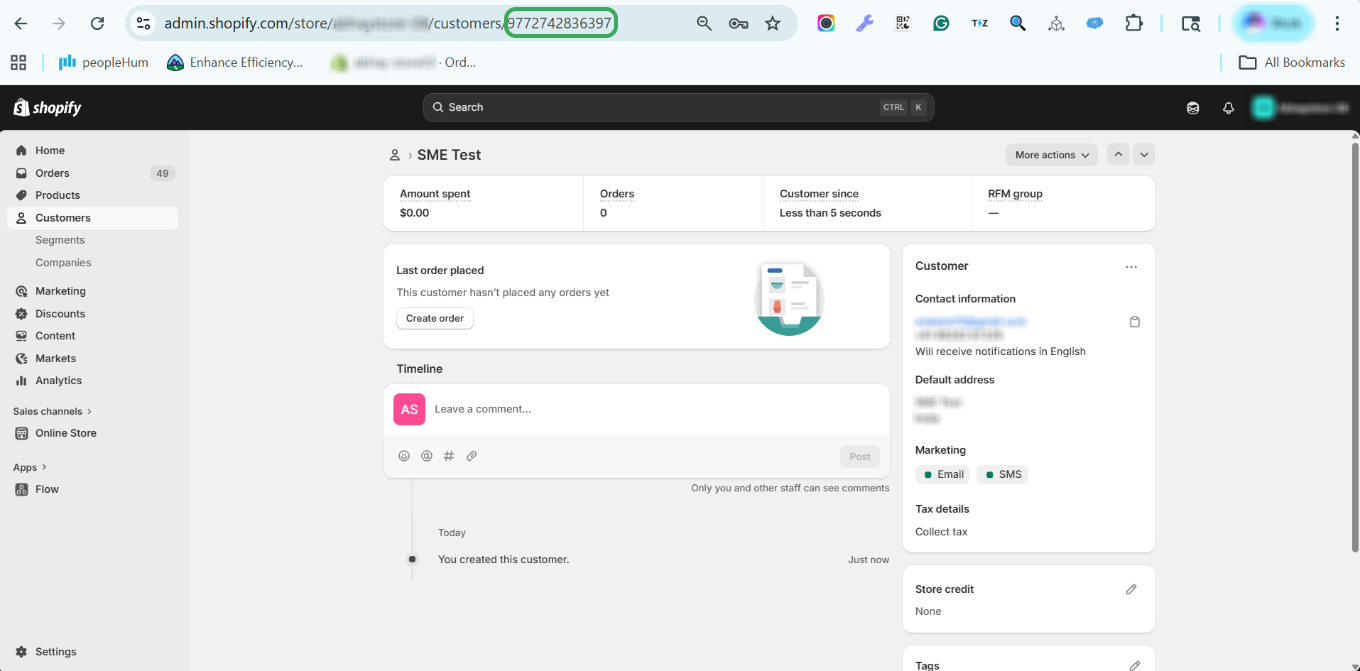
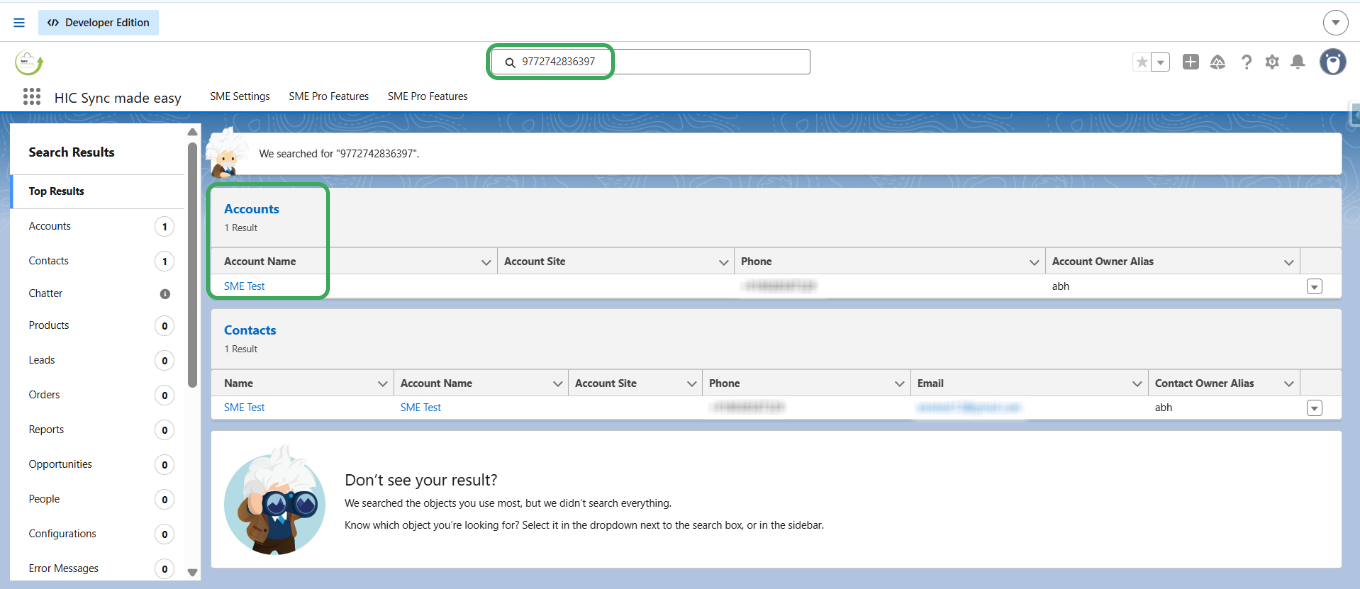
Step 4: Copy the "Shopify Id" from above URL , and search it in Salesforce.
Step 5: Open the Account record in Salesforce by clicking on it.
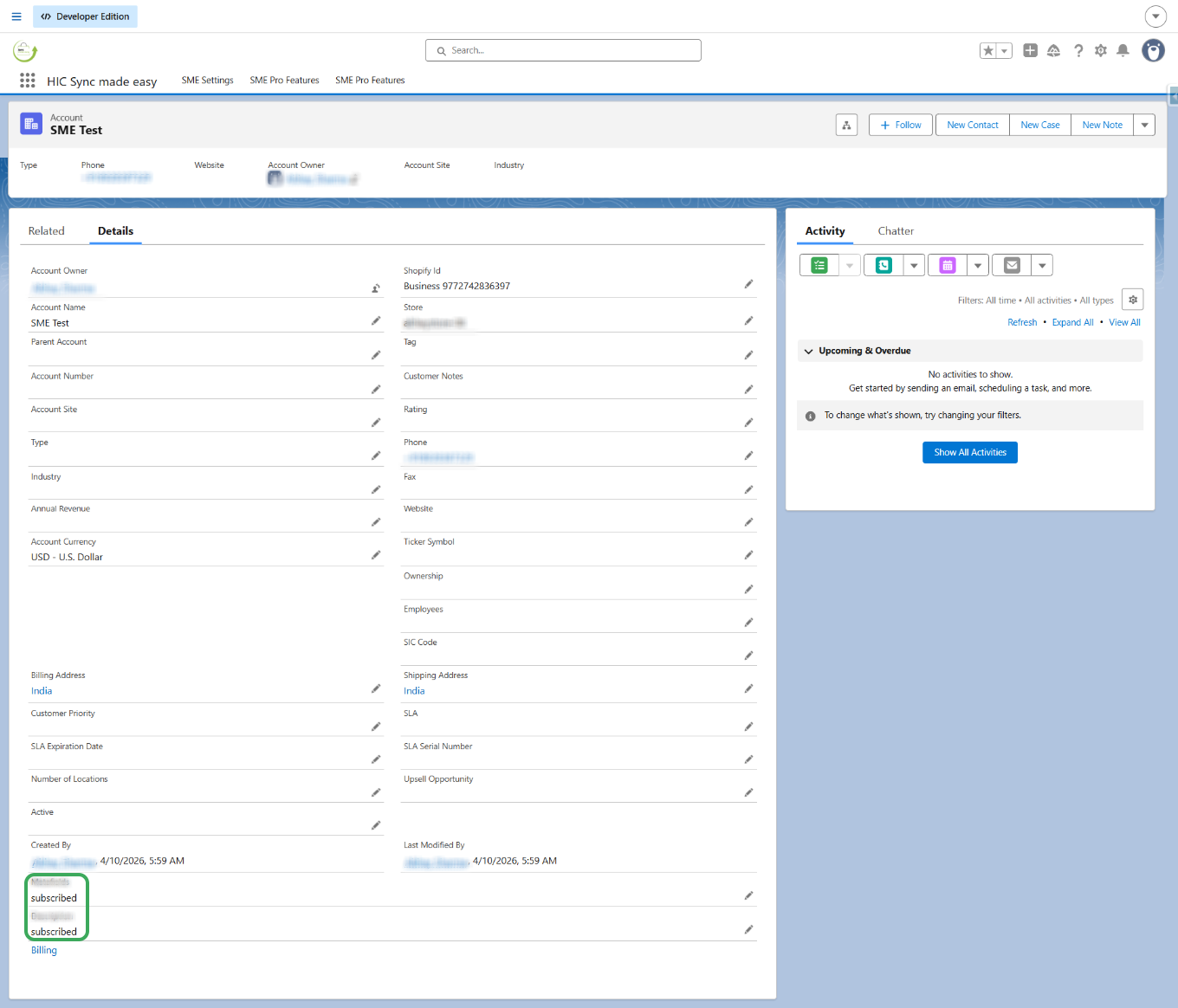
Step 6: In the detail section you will see the two fields which we mapped for Email marketing Consent and SME Marketing Consent synced as "Subscribed" in Salesforce.
Thank You !
Was this article helpful?
That’s Great!
Thank you for your feedback
Sorry! We couldn't be helpful
Thank you for your feedback
Feedback sent
We appreciate your effort and will try to fix the article
