Simply click the “Stop Sync” button to terminate the batch sync, as shown in the image below.
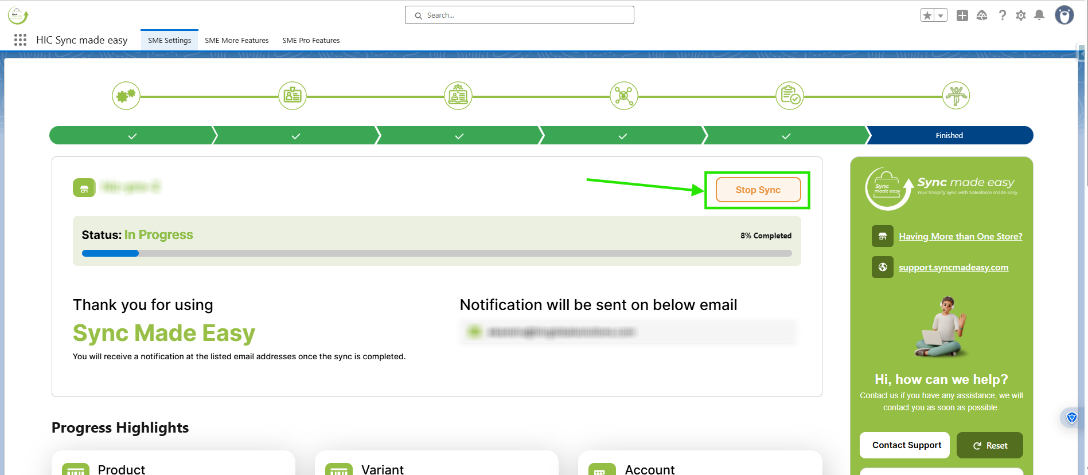
When the batch is terminated, you will be redirected to the “Shopify Store Setup” page.
Thanks!
Was this article helpful?
That’s Great!
Thank you for your feedback
Sorry! We couldn't be helpful
Thank you for your feedback
Feedback sent
We appreciate your effort and will try to fix the article